

Modern classrooms require more than a simple display. Teachers need tools that make lessons easier to deliver, improve classroom interaction, and help students stay focused throughout the learning process.
A professional interactive flat panel for education combines multiple teaching functions into one smart classroom solution, helping schools simplify teaching while creating a more engaging learning environment.
The first advantage is visual clarity. A high-resolution smart classroom display presents text, videos, diagrams, presentations, and educational content with sharp detail and vivid colors. Even students seated at the back of the classroom can clearly see lesson materials, reducing distractions and improving understanding.
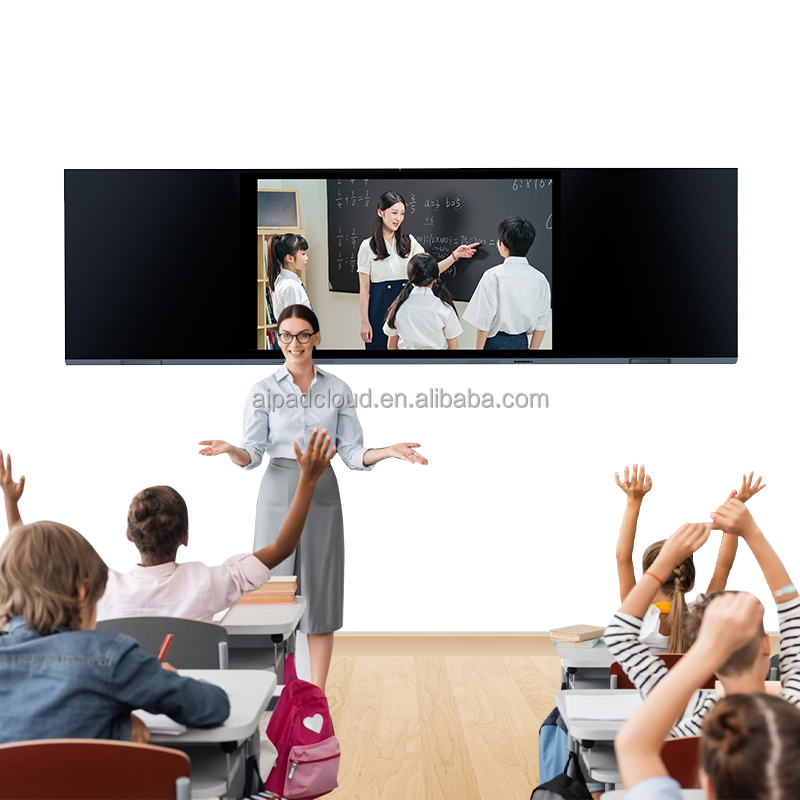
Touch interaction makes classroom participation more natural. Teachers can write directly on the screen, highlight key information, annotate documents, solve problems step by step, and explain concepts visually during class. Whether teaching mathematics, science, language, or business training, the screen becomes an interactive teaching tool rather than a passive display.
Built-in digital whiteboard functionality gives teachers more flexibility during lessons. Notes, drawings, formulas, diagrams, and brainstorming content can be created instantly and saved after class for future review. Instead of rewriting lessons every time, teaching materials can be organized and reused more efficiently.
Wireless screen sharing also improves classroom efficiency. Teachers can quickly display content from laptops, tablets, smartphones, or document cameras without complicated cables. Students can also share assignments, presentations, or project work directly to the screen, encouraging more classroom collaboration and participation.
Multi-touch support allows several students to interact at the same time, making group learning and classroom activities more engaging. During discussions or exercises, students can solve problems together directly on the display, improving teamwork and active learning.
Integrated speakers help deliver clearer audio for videos, language learning, online lessons, and multimedia content without requiring additional classroom equipment. Teachers can create more immersive lessons while reducing device clutter.
For hybrid and digital learning, an interactive touchscreen display supports video conferencing, lesson sharing, and online teaching. Teachers can connect remote students, share teaching content instantly, and maintain better communication across different learning environments.
Instead of depending on separate projectors, whiteboards, speakers, and multiple devices, a smart education display combines classroom technology into one easy-to-use system.
The result is a more interactive classroom, smoother lesson delivery, better student participation, and a smarter learning experience for both teachers and students.